
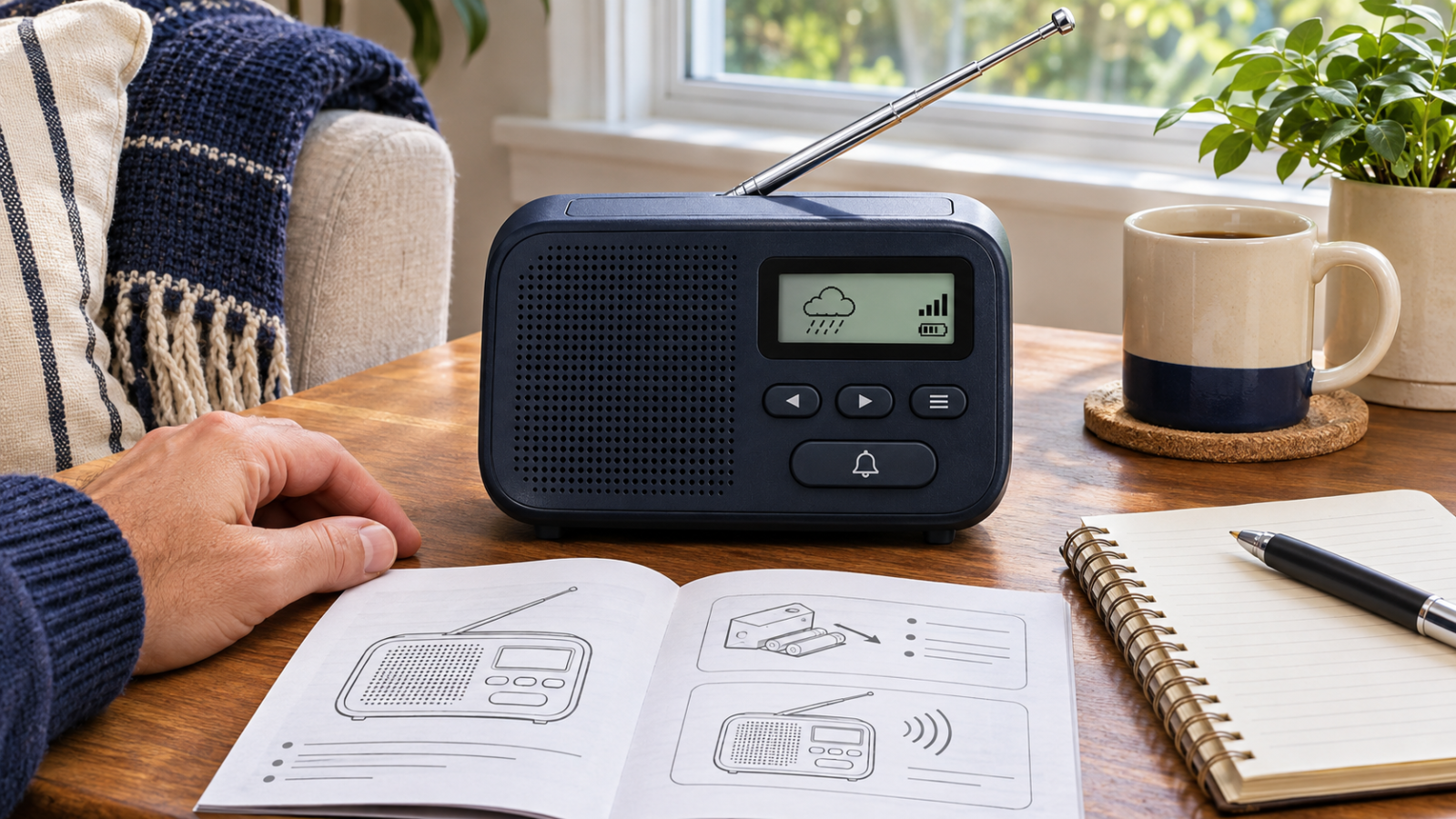
You put fresh batteries in the radio, press the power button, and hear a familiar music station.
The device works. But have you checked whether it receives the broadcasts you planned to use, whether alerts are enabled, or whether another household member can operate it?
Emergency radio setup connects equipment to an information plan. A working speaker is a useful start, but the real task is receiving relevant information and understanding what the receiver will do when nobody is actively listening.
Start with the model you own and its instructions. Avoid assuming that every product sold as an emergency radio has the same capabilities.
Separate AM/FM Reception From Weather Radio
In the United States, NOAA Weather Radio All Hazards broadcasts official National Weather Service information through a dedicated network. NOAA explains that an ordinary AM/FM receiver cannot receive those broadcasts unless it also has the necessary weather-band capability. National Oceanic and Atmospheric Administration
Check your actual receiver’s documentation. A radio may offer AM/FM listening, weather-band reception, alert functions, or a combination. The word “emergency” on the packaging does not tell you which features are included.
Write down the information source you intend to use and confirm that the receiver supports it. Do this before treating the device as a completed backup.
Find Out Whether It Listens, Alerts, or Both
Being able to listen to a weather broadcast is different from having a receiver configured to notify you of an alert.
The National Weather Service distinguishes between receiver types and notes that some models lack an alarm feature. It also describes SAME—Specific Area Message Encoding—as a feature that allows compatible receivers to select the geographic areas for alerts. weather.gov
Use the manufacturer’s instructions to determine what your model provides, how it is configured, and which operating state is required. Do not assume that a quiet speaker means monitoring is active, or that switching a receiver on enables every alert function.
If the distinction remains unclear, ask the manufacturer or an appropriate support source before relying on it.
Check the Broadcast for Your Actual Location
Use the National Weather Service’s official station and coverage information to identify the relevant service for the place where the radio will be used. Follow the receiver’s instructions for selecting and checking reception.
If the model uses geographic programming, verify the required location information through official guidance. Do not guess a code or copy one from a household in another area.
When relocating the device or taking it on a trip, review the setup again. A radio prepared for one location should not be assumed correctly configured somewhere else.
Record what you have confirmed and what remains uncertain. An intelligible broadcast at one moment does not guarantee uninterrupted reception in every condition.
Choose Placement for Reception and Household Use
Try suitable locations during ordinary conditions, following the receiver’s instructions. Consider reception, stable placement, product storage requirements, and whether the intended users can access the controls.
Avoid placing the radio where improving its signal would require unsafe reaching or exposure. Keep electrical equipment dry and follow the manufacturer’s requirements for antennas and power connections.
Check whether household members can hear or otherwise perceive the intended alert. Where hearing, vision, or other access needs matter, investigate compatible features and arrangements rather than assuming a standard audible alarm is sufficient.
A device’s most convenient storage spot may not be its most useful operating location. Evaluate both deliberately.
Understand the Power Arrangement
Identify how the receiver normally operates and which functions, if any, remain available through its supported backup-power arrangement.
Follow the manufacturer’s instructions for compatible batteries, installation, charging, storage, and inspection. Keep required accessories available and appropriately stored.
Do not assume a hand crank, solar panel, or charging port guarantees a particular runtime or ability to power another device. Verify the model’s documented capabilities and limitations.
If checking backup operation is supported by the instructions, use that procedure under normal, safe conditions. There is no need to shut off household power or interrupt essential equipment.
Use the Documented Test Procedure
Review the receiver manual and relevant official guidance for how to check its functions. Distinguish a device’s internal sound test from confirmation that its broadcast reception and alert configuration are appropriate.
Do not transmit, interfere with communications, or contact emergency services to test the receiver. This is a household equipment review.
If an expected function fails, record the result and investigate through the manufacturer or appropriate official information source. Avoid changing several settings at once without understanding their purpose.
Do not disable relevant alerts merely because a configuration problem produces confusing notifications. Resolve the setup and understand any filtering choices before relying on them.
Keep a Small Radio Setup Card
| Field | What to record |
|---|---|
| Receiver | Make, model, and location of instructions |
| Intended information | Broadcast service the household plans to use |
| Local setup | Station or location information verified through official guidance |
| Alert behavior | Supported functions and required operating state |
| Power | Approved normal and backup arrangements |
| Placement | Suitable location checked for reception and user access |
| Verification | What was actually tested and when |
| Unresolved issue | Question, limitation, or follow-up action |
This is an editorial planning tool, not a certification of receiver performance. Keep it free of unnecessary private information.
Connect the Radio to the Household Plan
Decide who checks relevant updates and how information reaches people who are elsewhere or need assistance. Keep the message’s source, affected location, time, and instructions intact when relaying it.
A radio is an information receiver, not a substitute for the rest of your planning. Maintain other appropriate ways to receive official updates where practical, and follow current instructions for the situation.
Begin with one useful check today: find the manual and confirm whether your receiver only plays a broadcast or also provides the alert behavior you expect.
The radio becomes a more useful part of preparedness when its capabilities, settings, power, and household role are understood together.