
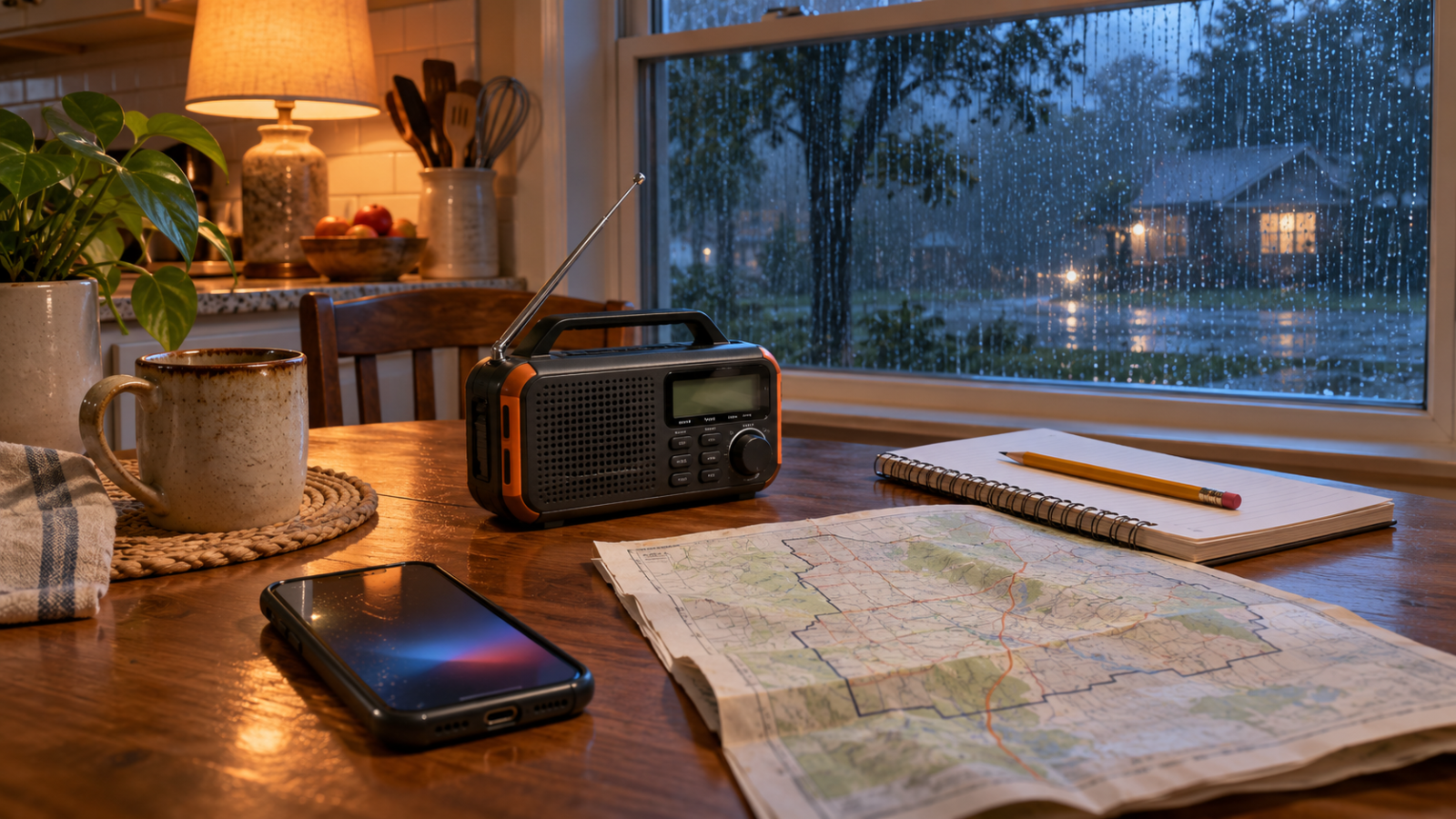
It’s raining hard when your phone buzzes. The alert names a part of the county you’ve never heard of. Your partner is driving home, and someone in the family group chat has just shared a screenshot from an hour ago. Where do you look for the latest instructions, and how do you make sure everyone sees them?
You can answer those questions on a quiet evening. Start with Wireless Emergency Alerts on your phone, add your city or county’s notification service, and set up a way to hear updates if your phone is unavailable. Then decide how your household will check in when people are in different places.
1. Check Wireless Emergency Alerts on Each Phone
Wireless Emergency Alerts, or WEAs, are short messages that authorized U.S. agencies can send to compatible phones in a targeted area. They can warn about severe weather and other immediate threats. They use your phone’s built-in alert system, so there’s no separate app to download. ready.gov
Search your phone settings for Emergency Alerts, Wireless Emergency Alerts, or Government Alerts. The wording and location can vary by device. Check the phones that people in your household actually carry, especially after someone upgrades or switches devices. If you can’t find the settings, check with your carrier or phone manufacturer. ready.gov
Think about an overnight alert, too. If your phone usually charges in the kitchen, consider how you’d receive a warning from the bedroom. That question will help you choose where to put a weather radio or another alerting device.
2. Sign Up for City or County Notifications
Visit your city or county’s official emergency management website and look for an alert signup page. Many local systems offer text or email notifications and let you choose which devices or types of messages to receive. The choices depend on where you live. ready.gov
Register your home address if the service lets you subscribe by location. Then consider places your household spends time regularly. Your office may be across a county line, and a child’s school may have its own notification service. Check what those organizations offer and save the official pages you’d use to confirm an update.
Finish the signup while you have the page open. Look for a confirmation email or text, check that your phone number is correct, and bookmark the official alert page. If you move or change numbers, update those subscriptions alongside your other household accounts.
3. Set Up a Backup You Can Use Without Your Phone
A battery-powered radio that receives NOAA Weather Radio gives you a separate way to hear weather warnings and other emergency broadcasts where reception is available. FEMA also recommends considering a receiver with Specific Area Message Encoding (SAME), which lets compatible radios filter alerts for selected areas. ready.gov
Set up the radio where you expect to use it. Follow the manufacturer’s instructions, find a station you can hear clearly, and check that the backup batteries work. If reception is weak in one room, try another spot. Keep the instructions with the radio so someone else can use it without searching for the manual during an outage.
If you live with someone who may miss an audible warning, check which visual or vibration options their devices support. Talk through what would actually get their attention at night.
4. Read the Alert for the Decision It Asks You to Make
When an alert arrives, look for the affected area, time, and instructions. Follow any immediate protective directions in the message. For additional information, go to the issuing agency or the official source you bookmarked. FEMA notes that Wireless Emergency Alerts carry brief information and that radio or television may provide more detail. ready.gov
Check timestamps before forwarding updates. A screenshot can stay in a group chat long after officials issue a newer message. When you share information, include the official source and the time it was posted so others can check for updates.
5. Agree on a Household Check-In
Choose one place to post updates when family members are apart. A group text can work well for short messages such as “At home and following the county alert. Where are you?” Keep important numbers on paper, too, so they’re available if someone’s phone is out of charge.
Try a five-minute practice run. Ask one person to find the county’s alert page and another to turn on the weather radio. Then have everyone point out where they’d post a check-in. If someone gets stuck, fix that part of your household emergency plan while there’s time to test it again.
Quick Setup Checklist
- Check the emergency alert settings on each household phone.
- Sign up for official city or county notifications and confirm enrollment.
- Save the official alert pages for home, work, or school as relevant.
- Check radio reception and backup batteries where you’ll use the radio.
- Agree on where to check in and keep key numbers on paper.